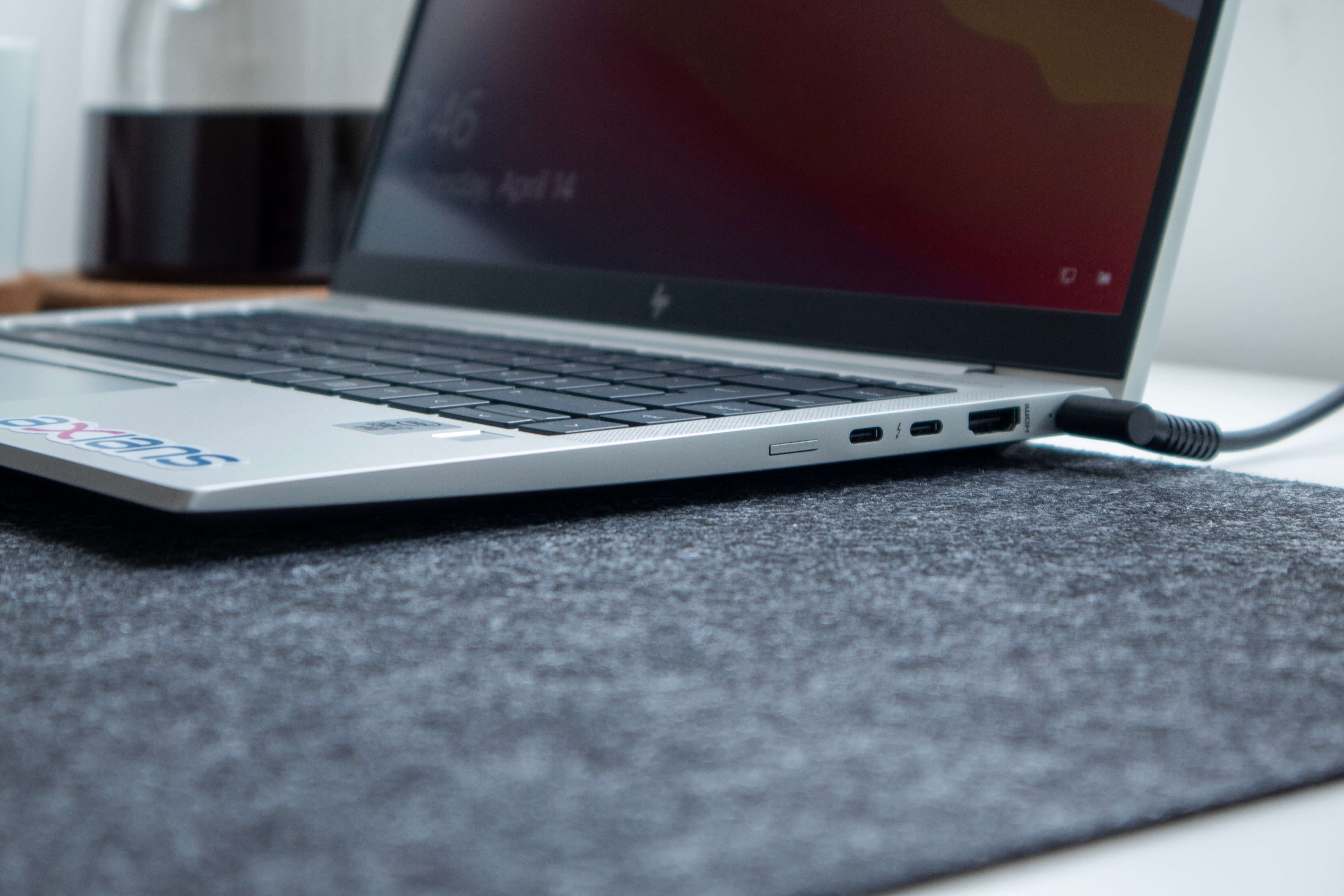
Photo by Nubelson Fernandes on Unsplash
Cables can be divided into transmission protocols and physical interfaces. Transmission protocols refer to communication languages, while physical interfaces refer to the compatibility methods of physical items.
The same physical interface can support different transmission protocols simultaneously to achieve backward compatibility.
Because physical interfaces all have fool-proof designs to prevent incorrect connections between different interfaces, this means that as long as your cable can be plugged in, it is normally compatible, only differing in which transmission protocol language is used to communicate and transfer data, with different languages having different bandwidth speeds.
Physical Interfaces
| Interface Type | Usage | Interface |
|---|---|---|
| USB Type-A | Computer |   |
| USB Type-B | Scanner, Printer, etc. |  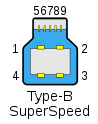 |
| USB Type-C | New computers, mobile phones, tablets, etc. |  |
| USB Mini-A | Old portable devices, deprecated |  |
| USB Mini-B | Old portable devices, deprecated |  |
| USB Mini-AB | Only as universal connector, deprecated |  |
| USB Micro-A | Deprecated | 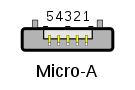 |
| USB Micro-B | Mobile phones, tablets, etc. | 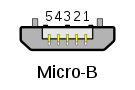 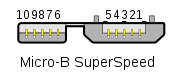 |
| USB Micro-AB | Only as universal connector, deprecated | |
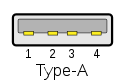
USB Type-A Physical Interface
Usage: Computer
Male

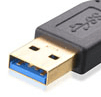
Female
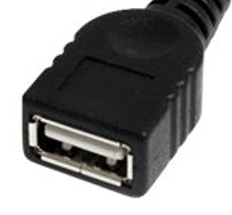

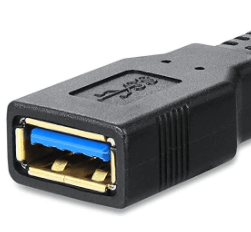
USB Type-B Physical Interface
Usage: Scanner, Printer
Male
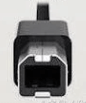
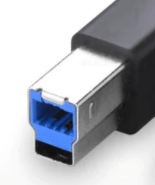
Female

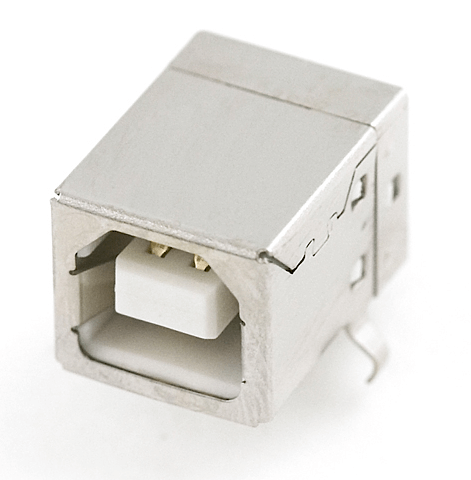

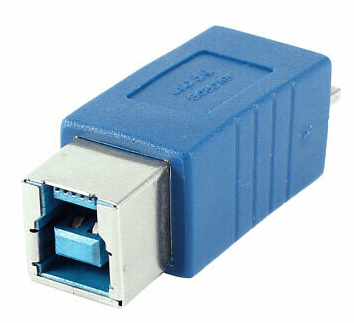
USB Type-C Physical Interface
Usage: New computers, mobile phones, tablets
Male
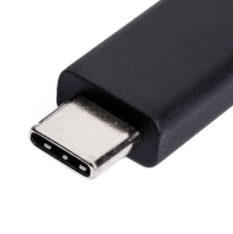
Female

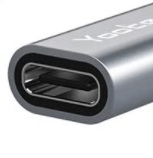
USB Mini-A Physical Interface
Usage: Old portable devices, deprecated
Male
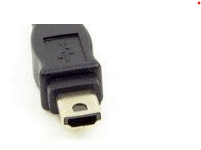
Female

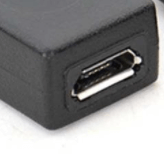
USB Mini-B Physical Interface
Usage: Old portable devices, deprecated
Male

Female

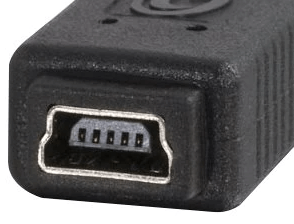
USB Mini-AB Physical Interface
Usage: Only as universal connector, deprecated
Male
No Mini-AB Male
Female
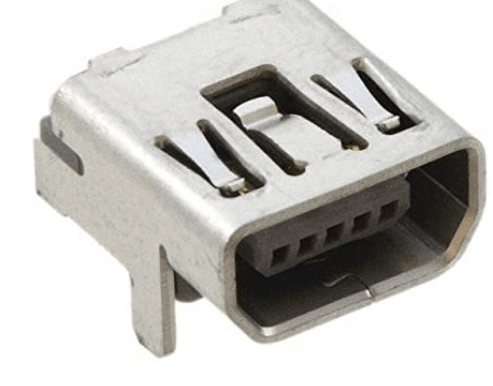
USB Micro-A Physical Interface
Usage: Deprecated
Male
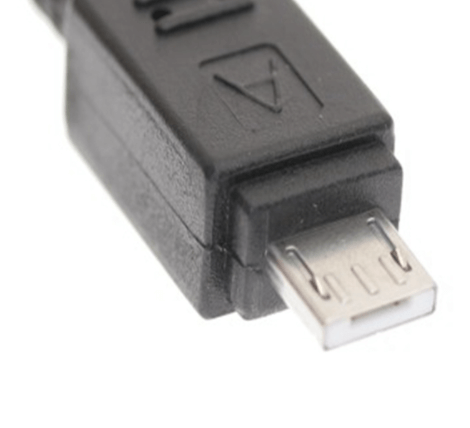
Female
No Micro-A Female
USB Micro-B Physical Interface
Usage: Mobile phones, tablets
Male


Female

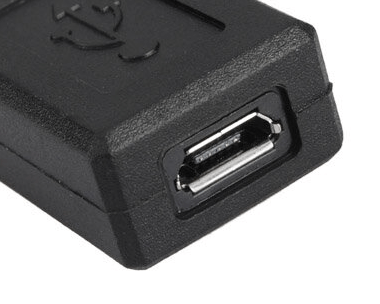

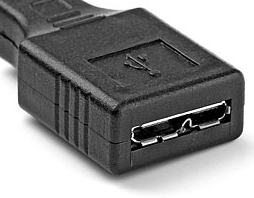
USB Micro-AB Physical Interface
Usage: Only as universal connector, deprecated
Male
No Micro-AB Male
Female
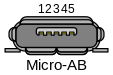
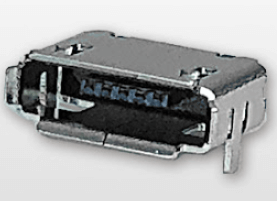
Transmission Protocols
Thunderbolt Transmission Protocol
- Developed by Intel
- Protocol for data transmission
| Version | Time | Manufacturer | Bandwidth | Physical Interface |
|---|---|---|---|---|
| Thunderbolt Development Version | 2009 | Intel | - | |
| Thunderbolt | 2011/2 | Intel, Apple | 10 Gbit/s | DisplayPort, PCI Express |
| Thunderbolt 2 | 2013 | Intel, Apple | 20 Gbit/s | DisplayPort, PCI Express |
| Thunderbolt 3 | 2015/6 | Intel | 40 Gbit/s | USB Type-C |
| Thunderbolt 4 | 2020/7 | Intel | 40 Gbit/s | USB Type-C |
Thunderbolt Versions
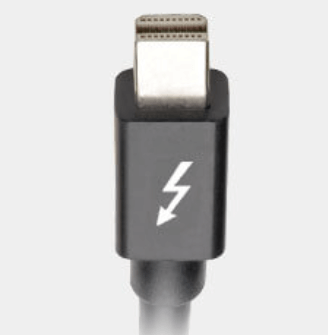
Thunderbolt
- Transfer rate 10 Gbit/s
- Up to six peripheral devices
- Can supply 10W power to peripherals
- Cable length up to 10 meters
Physical Interface
- PCI Express 2.0 x4
- DisplayPort 1.1a
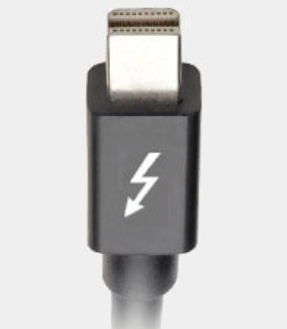
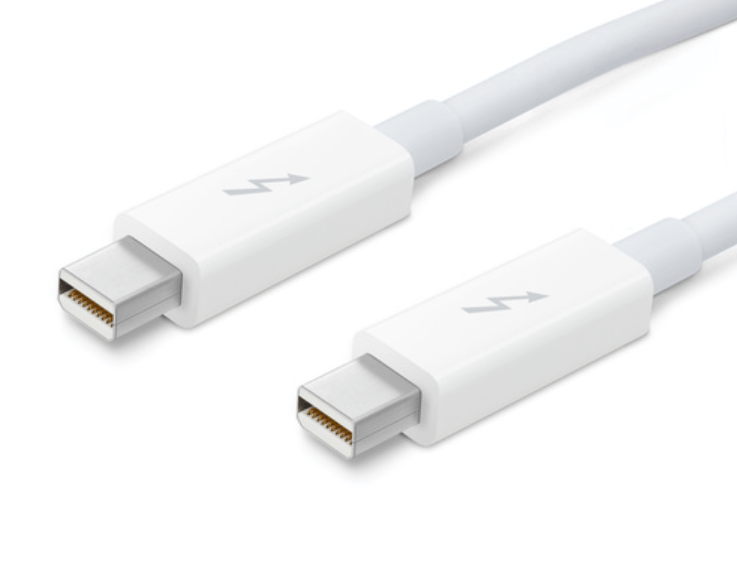
Thunderbolt 2
- Transfer rate 20 Gbit/s
- First and second version Thunderbolt bandwidth are both 20 Gbit/s, so cables are compatible
Physical Interface
- PCI Express 2.0 x4
- DisplayPort 1.2
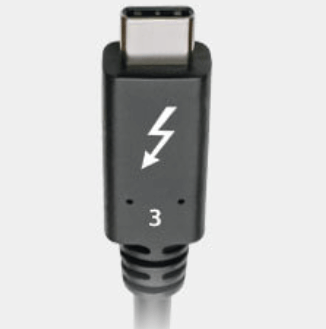
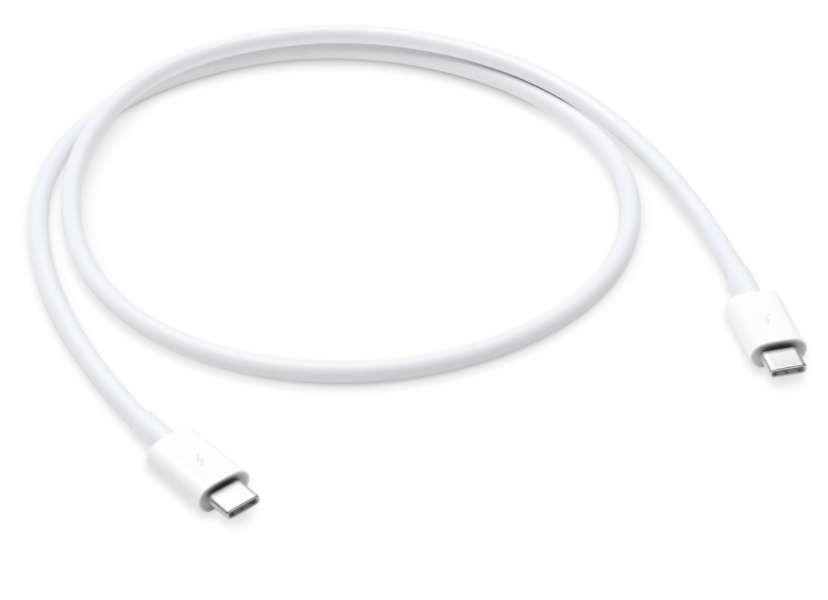
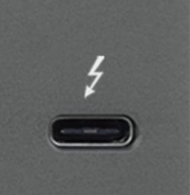
Thunderbolt 3
- Transfer rate 40 Gbit/s
- Physical interface USB Type-C
- Maximum power delivery 100W
- Can connect 2 4K resolution displays, or 1 5K resolution display
- Supports HDMI 2.0 (4K 60Hz) and DisplayPort 1.2 (5K 60Hz)
Physical Interface
- PCI Express 3.0 x4
- USB 3.1 Gen2
- DisplayPort 1.2
Thunderbolt 4
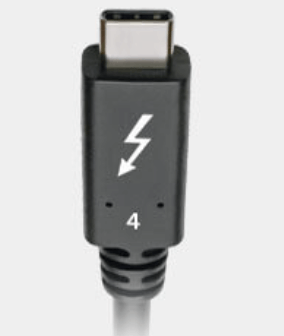
- Transfer rate 40 Gbit/s
- Physical interface USB Type-C
- USB 4 protocol support and data transfer speed
- Supports 2 4K displays (DisplayPort 1.4)
Physical Interface
- USB Type-C
- DisplayPort 1.4
USB Transmission Protocol
| Version | Transfer Speed (bit) | Physical Interface |
|---|---|---|
| USB 1.0 | 1.5 Mbps | Type-A, Type-B, Mini-A, Mini-B, Mini-AB (female only), Micro-A, Micro-B, Micro-AB (female only) |
| USB 1.1 | 12 Mbps | Type-A, Type-B, Mini-A, Mini-B, Mini-AB (female only), Micro-A, Micro-B, Micro-AB (female only) |
| USB 2.0 | 480 Mbps | Type-A, Type-B, Mini-A, Mini-B, Mini-AB (female only), Micro-A, Micro-B, Micro-AB (female only) |
| USB 3.1 GEN 1 | 5 Gbps | Type-A, Type-B, Type-C (female only), Micro-B Super speed |
| USB 3.1 GEN 2 | 10 Gbps | Type-A, Type-B, Type-C (female only), Micro-B Super speed |
| USB 3.2 Gen 2x2 | 20 Gbps | Type-A, Type-B, Type-C (female only), Micro-B Super speed |
| USB 4 | 40 Gbps | Type-C |
Reference
- Thunderbolt - 維基百科,自由的百科全書
- 2021 五款 MacBook Hub 推薦 : 教你怎麼挑選適合自己的 USB-C Hub 集線器! – 蘋果迷 APPLEFANS
- Thunderbolt 3、Thunderbolt 4、USB4 差異是什麼? - 電腦王阿達