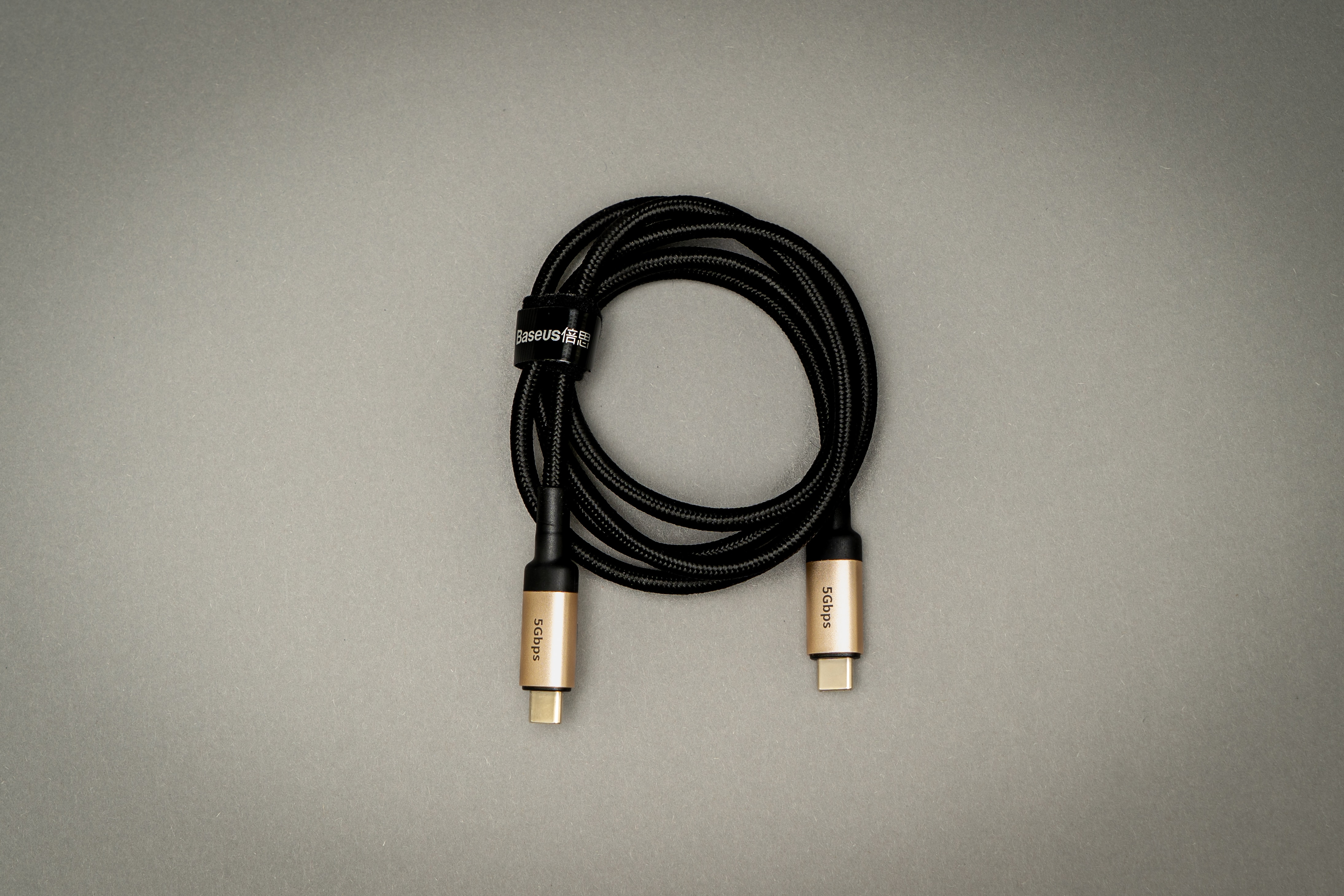
Photo by Mika Baumeister on Unsplash
What are the differences between USB 2, USB 3, and USB 4?
| Version | Transfer Speed (bit) | Maximum Power | Maximum Voltage | Maximum Current | Supported Devices |
|---|---|---|---|---|---|
| USB 2.0 | 480 Mbps | 2.5 W | 5 V | 500 mA | iPhone 15 |
| USB 3.1 GEN 1 | 5 Gbps | 4.5 W | 5 V | 900 mA | - |
| USB 3.1 GEN 2 | 10 Gbps | 4.5 W | 5 V | 900 mA | iPhone 15 Pro |
| USB 3.2 GEN 1x1 | 5 Gbps | 4.5 W | 5 V | 900 mA | - |
| USB 3.2 GEN 2x1 | 10 Gbps | 4.5 W | 5 V | 900 mA | - |
| USB 3.2 Gen 2x2 | 20 Gbps | 7.5 W | 5 V | 1500 mA | - |
| USB 4 | 40 Gbps | 100 W | 20 V | 5000 A | Macbook |
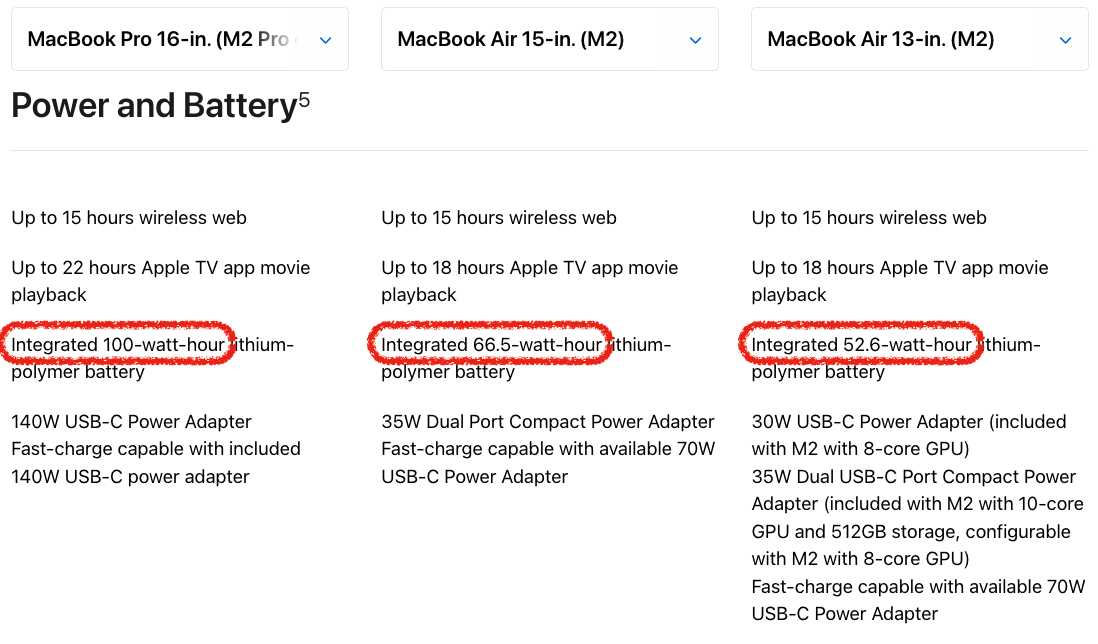
Apple Device Supported Wattage
| Supported Wattage | Devices |
|---|---|
| 20 W | iPhone |
| 32/36 W | iPad、Macbook Air |
| 65 W and above | Macbook Air, Macbook Pro |
Is the higher wattage of the power adapter, the faster the charging speed?
It depends on the maximum wattage supported by your charging device. Typically, devices have a limit on the maximum wattage they can accept to prevent damage.
| Charger wattage | Supported wattage by the charging device | Wattage during charging |
|---|---|---|
| 10 W | 20 W | 10 W |
| 20 W | 20 W | 20 W |
| 30 W | 20 W | 20 W |
| 100 W | 20 W | 20 W |
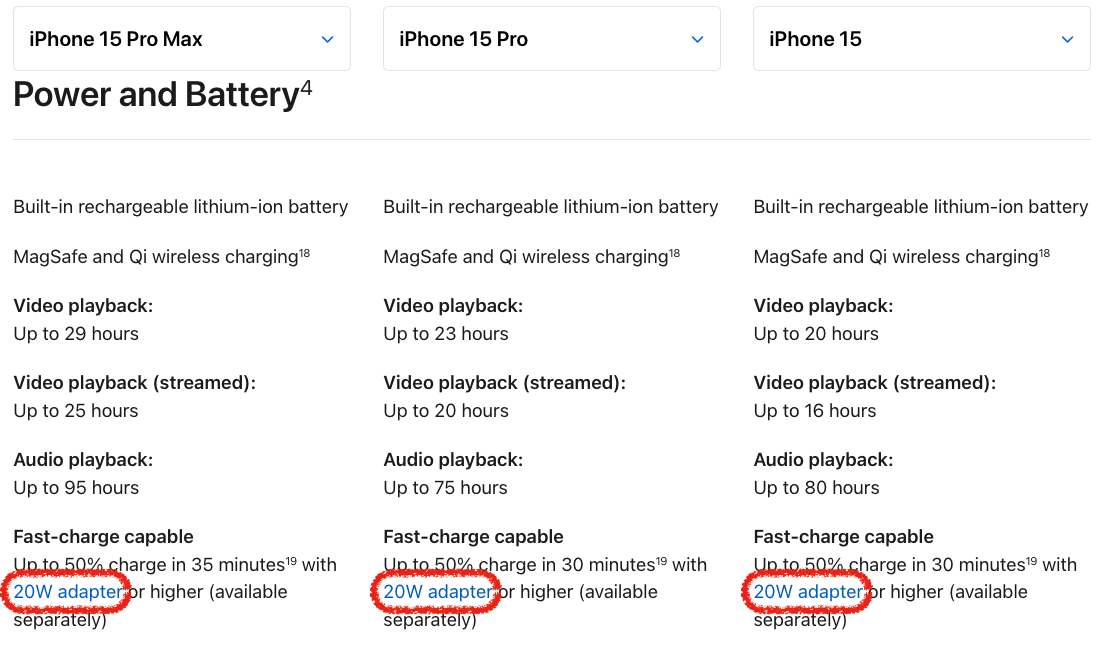
The highest charging wattage supported by iPhones
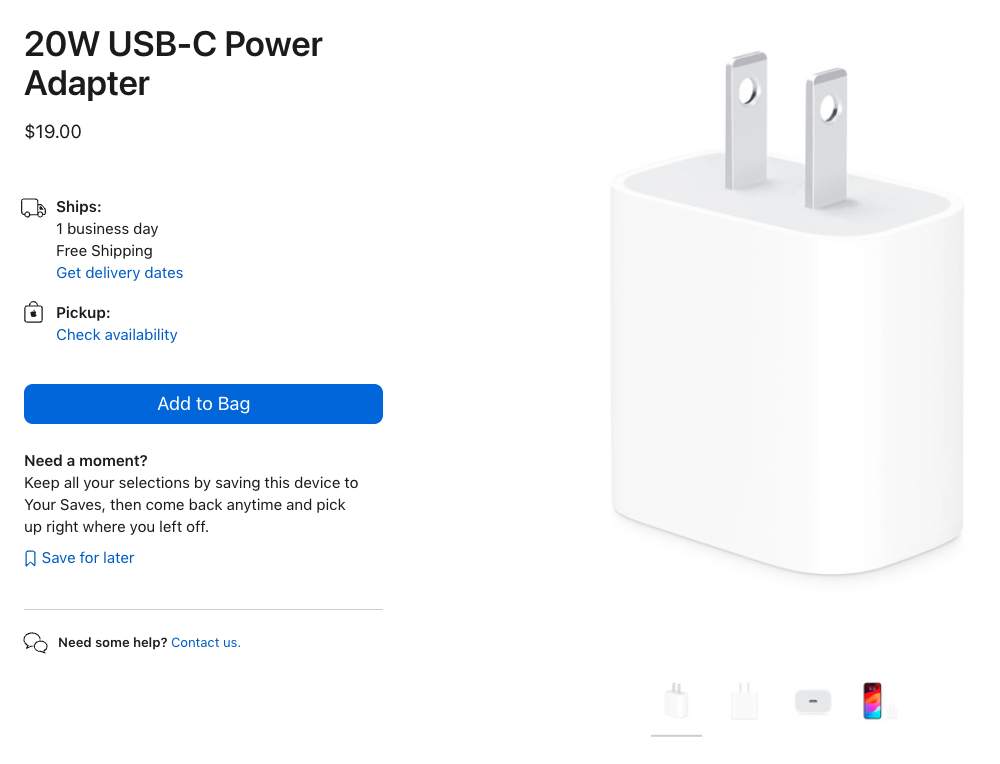
The highest charging wattage supported by the iPhone is 20W. So, even if you use a charging cable that’s rated for more than 20W, the iPhone will only charge at a maximum of 20W, and it won’t charge any faster.
The charging speed of a dual-port USB is faster?
The packaging usually indicates the total power output, which is typically divided in half for each port. So, the wattage for a single port is halved, rather than added together. It’s important to check the specifications on the packaging for confirmation.
| Maximum Supported Wattage | Output Ports 1 | Output Ports 2 |
|---|---|---|
| 30 w | 15 w | 15 w |
| 100 w | 50 w | 50 w |
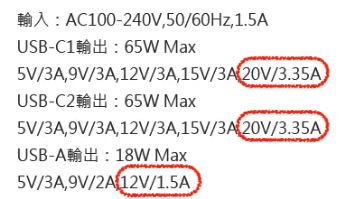
How to check the wattage provided by the power adapter?
Formula:
Wattage (W)=Voltage (V)xCurrent (A)
Look for the power adapter specifications indicating the highest 'voltage and current, then simply multiply them together.
| USB Port | Voltage | Current | Wattage |
|---|---|---|---|
| USB-C1 | 20V | 3.35A | 67 W |
| USB-C2 | 20V | 3.35A | 67 W |
| USB-A | 12V | 1.5A | 18 W |
How to choose a power adapter?
Consider the maximum wattage supported by your frequently used devices. Chargers with higher wattage can provide power to devices that require lower wattage.
1. Look at the maximum supported wattage of your devices.
If your devices don't support a higher wattage, buying a power adapter with a higher wattage rating would be pointless and a waste of money.
2. Portability and price
The portability and price depend on whether you need to carry it with you regularly for charging. Typically, the higher the wattage, the heavier the power adapter, and the more expensive it tends to be.
How to choose a charging cable?
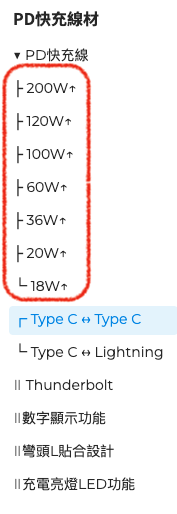
1. Supported Wattage
The higher the wattage, the faster the charging speed, and the higher the price.
Also, consider the devices you frequently need to charge, such as iPhone, MacBook, iPad, and their maximum supported wattage. Buying a power adapter with a higher wattage than what your devices support is not beneficial and would be a waste of money.
2. Data transfer speed
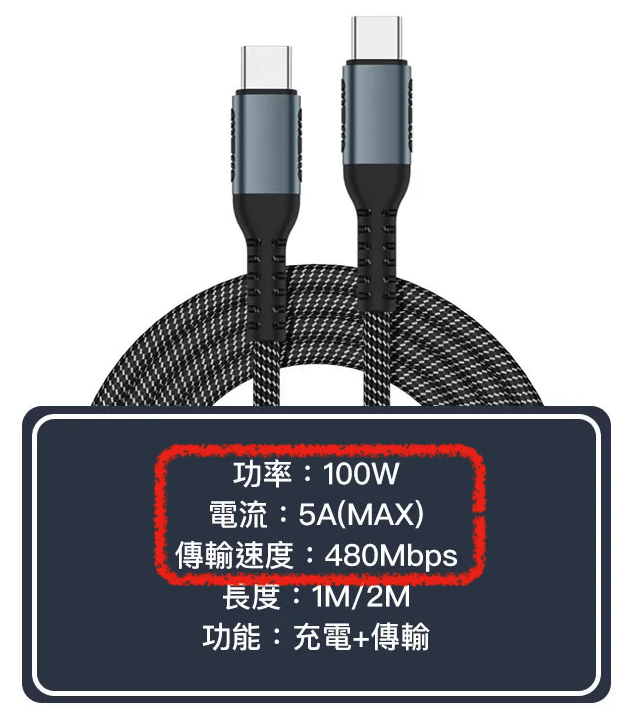
The faster the transfer speed, the higher the price. If you have a need to transfer large files to your computer, then you’ll require a faster transfer speed.
For instance, the iPhone 15 Pro supports USB 3 with 10 Gbps transfer speed, so the cable also needs to support this speed for fast transfers.
On the other hand, the iPhone 15 only supports USB 3 with 480 Mbps transfer speed. So, even if the cable has a higher transfer speed, it won’t make a difference if your device doesn’t support it
3. Cable Length
Aside from considering the cable length for storage and its proximity to the charging device, longer cables may experience ‘signal attenuation,’ leading to reduced transmission efficiency. So, longer isn’t always better; you should choose a cable length that suits your needs."
Reference
- 【Maker該知道】你的作品需要何種USB供電規格? | MakerPRO科技創新實作社群媒體
- USB Type-C、USB PD 與 USB 3.1 Gen 2 | DigiKey
- USB4 - 維基百科,自由的百科全書
- 了解 thunderbolt 與 usb 傳輸協定與物理介面的差異 | TLDRLSS
- iPhone 15換Type-C,買充電頭/充電線竟是場智力測驗! - YouTube
- iPhone 15 Pro Max vs iPhone 15 Pro vs iPhone 15 - Apple (台灣)
- iPhone 15 Pro Max vs iPhone 15 Pro vs iPhone 15 - Apple
- MacBook Pro 16 吋 (M2 Pro 或 M2 Max) vs MacBook Air 15 吋 (M2) vs MacBook Air 13 吋 (M2) - Apple (台灣)
- MacBook Pro 16-in. (M2 Pro or M2 Max) vs MacBook Air 15-in. (M2) vs MacBook Air 13-in. (M2) - Apple
- 教學 - 推薦∣SilverStone銀欣科技
- USB 3.0 - 維基百科,自由的百科全書
- 順仁電子科技股份有限公司 SUNCA CO.,LTD - 一張圖表了解最新USB 標準:USB 3.2 Gen 1 Gen 2